In the competitive digital world we currently live in it is no longer optional, but a necessity to know how the people who will use your site will engage with it. The right tools for tracking user behavior will enable businesses to gain deep insights into customer preferences, improve user experience, and maximize revenue.
Before delving into understanding the best tools for tracking user behavior, it is worth explaining why this is important:
Maximize marketing efforts by determining their source of the most active visitors.
Improve your web site usability by eliminating barriers to your conversion funnel.
Engage customers with insights that are informed.
Raise response rates by doing what works-and correcting what goes wrong.
Important facts about the tools for tracking user behavior.
The best-performing user behavior trackers normally consist of:
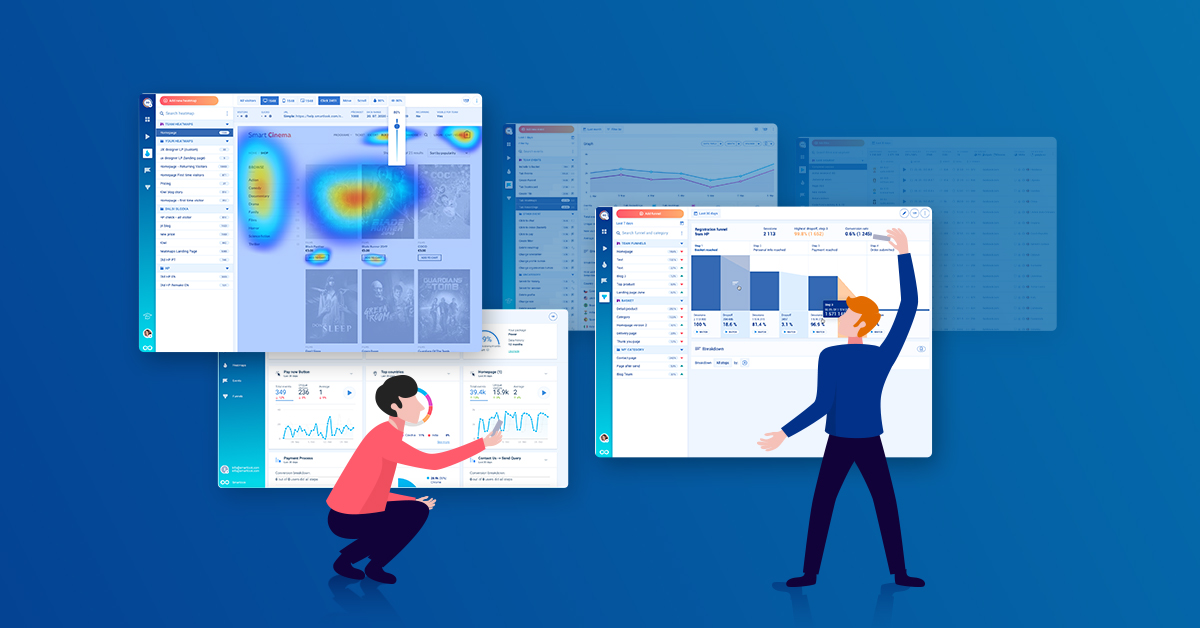
Heatmaps – See where visitors are clicking, scrolling, and hovering.
Session recording – View replays of user interactions.
Event tracking – Track individual events such as downloads or button clicks.
A/B testing integration – Test elements of a webpage to increase conversions.
User segmentation – Segment visitors by behavior, device or referral source.
Funnel analysis – Determine the points of attrition in the buying process.
By knowing these features, you can easily select the appropriate tool to use in your business.
The 9 Best tools for tracking user behavior.
This is our list of the best tools for tracking user behavior that will always be valuable:
Google Analytics (GA4)
GA4 offers successful audience control, occasion control and analytics. It is necessary to gain insight into general web-site activity patterns.
Hotjar
Hotjar is an easy to use software with heatmaps, videos of user sessions and user surveys to determine areas of friction on the website.
Crazy Egg
Crazy Egg provides comprehensive heatmaps and A/B testing, so you can use landing pages to the best of your ability.
FullStory
FullStory is an error detection and session replay specialist, enabling you to repair usability problems quickly.
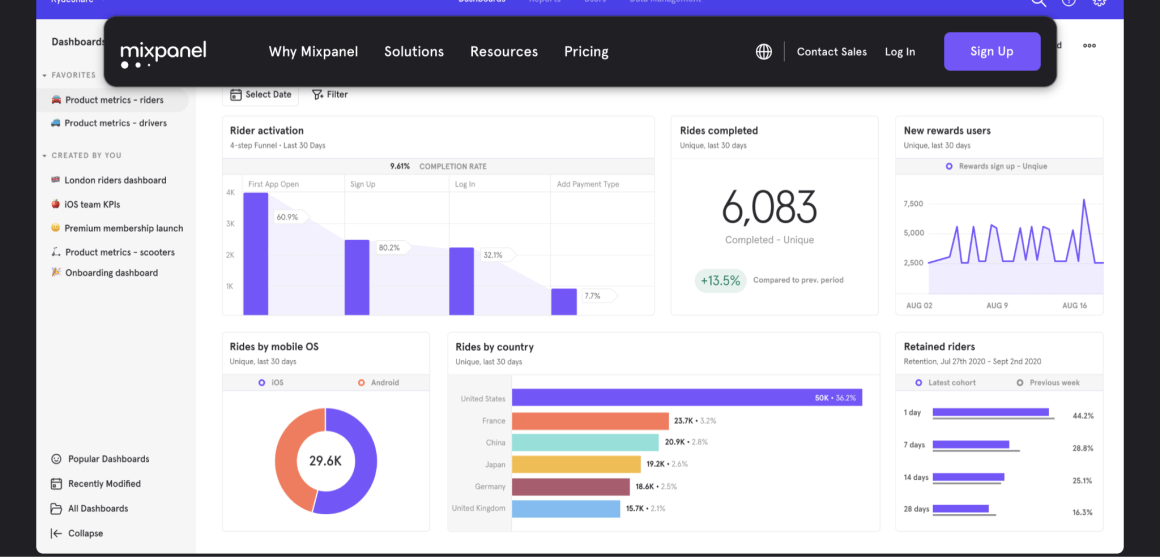
Mixpanel
Mixpanel provides cohort analysis and retention tracking on top of regular analytics to SaaS companies.
Mouseflow
Funnel tracking and form analytics featured in Mouseflow show us why users are leaving carts or forms.
Inspectlet
Inspectlet has powerful analytic capabilities, including filtering and tagging capabilities to study certain classes of users.
Heap Analytics
Heap is very efficient as it automatically captures all actions of a user, and does not need to be configured to record these events.
Smartlook
Smartlook is a perfect combination of session recordings and event tracing with advanced user path visualization features.
Correctly implemented, tools for tracking user behavior will give actionable information to lead to conversions.
How to apply User Behavior Tracking Tools.
It is not only necessary to add the user-behavior-tracking tools, but also to strategically implement them:
Identify your KPIs (Key Performance Indicators) – Pay attention to the rates of conversion, cart abandonment, or demo requests.
Tag and group visitors – Isolate first-time and returning customers.
Trace the path of map users – Learn how individuals move through your site.
Continuous test runner – Experiment with copy and design using behavior tool knowledge.
Take action on knowledge – Make decisions, not reports.
You can find research-based implementation strategies at Dissertationhive.com.
Some of the most commonly used questions about tools that track user behavior.
Q1: Do tools for tracking user behavior make it hard to use?
No. Most of the tools available today are designed with easy-to-use dashboards and do not need coding skills.
Q2: How much do these tools cost?
Prices can be very different, ranging between free tools such as GA4 to licensed tools, such as FullStory or Mixpanel. It is up to you and your finances.
Q3: Does my site become slow under user action monitoring?
Trustworthy tools are also lightweight and are not geared towards affecting the speed of websites in a notable way.
Q4: How do I choose the best tool?
Focus on your specific needs. E-commerce brands may need to focus on heatmap and funnel analytics, but SaaS companies may require to consider retention tracking and cohort analysis.
Question 5: Does Workvix.com have configuration?
Absolutely. Workvix.com offers end-to-end implementation, custom reporting, and post-implementation support to help you make sense of your behavior tracking tools.
Why the Workvix.com Is Your Perfect Partner.
At Workvix.com, we do not simply recommend any tools that help track user behavior but we deploy them and optimize them to achieve quantifiable growth. Our services include:
Set up of custom GA4 and heatmap tools.
Conversion funnel audits
High level user segmentation and reporting.
One-on-one tips on how to get more conversions.
Your website traffic data will be converted in to business gains using our knowledge.
Key Takeaways
It is important to use tools for tracking user behavior to know the visitors and the number of conversions.
The most helpful ones are GA4, Hotjar, Crazy Egg, Mixpanel, and FullStory.
It is essential to success to be properly set up and continuously analyzed.
With the collaboration with
Workvix.com, it will be possible to track everything properly, draw conclusions, and increase ROI.